To edit the setings for the domain please go to Website > Settings > Domain Alias
If nothing has been edited the page should look like this:
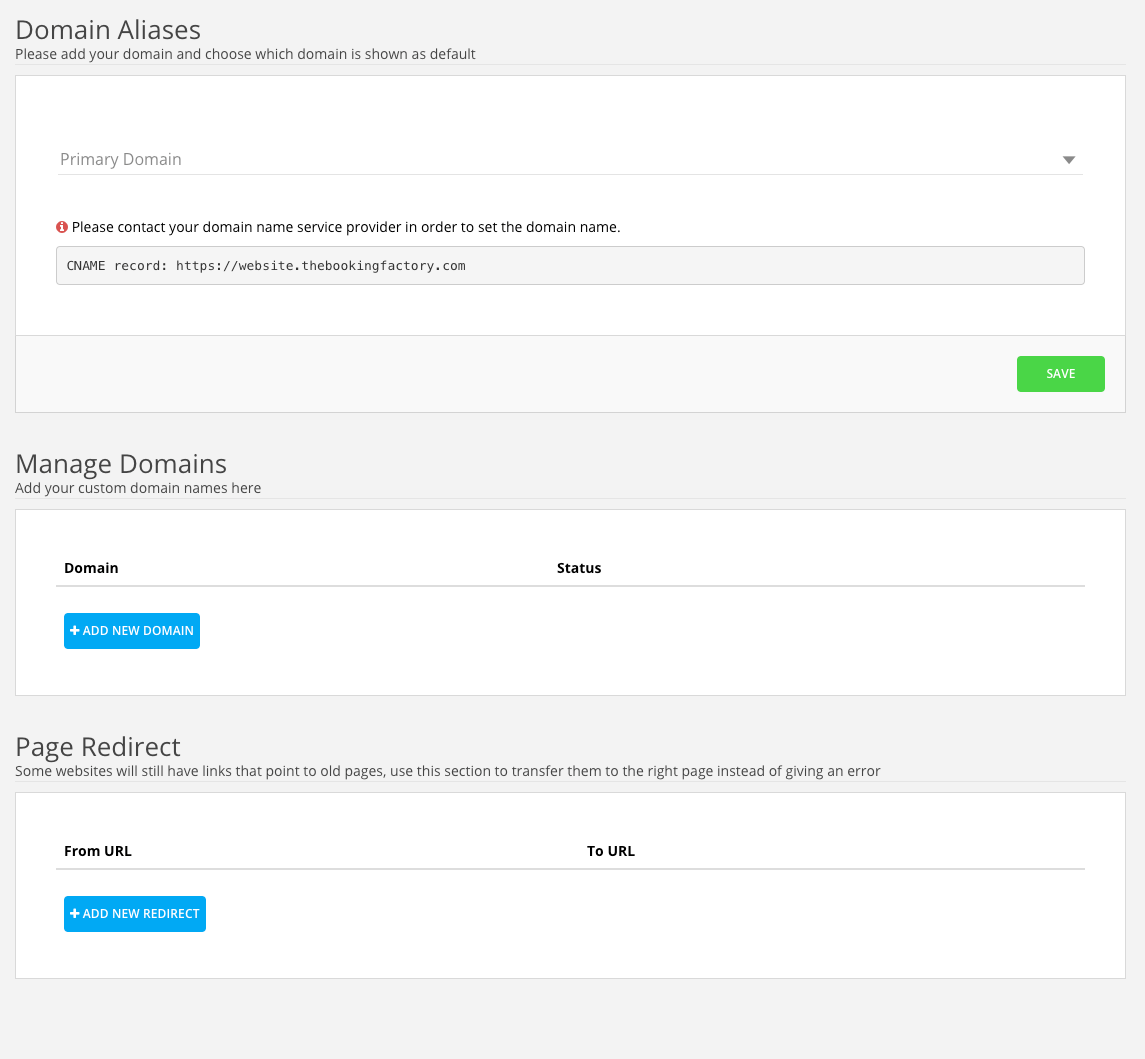
Before you change anything here you need to add one CNAME record into your DNS settings. So log into your DNS provider and create a new CNAME record.
Host: book and point that to website.thebookingfactory.com

When the CNAME record have been added please add the domain
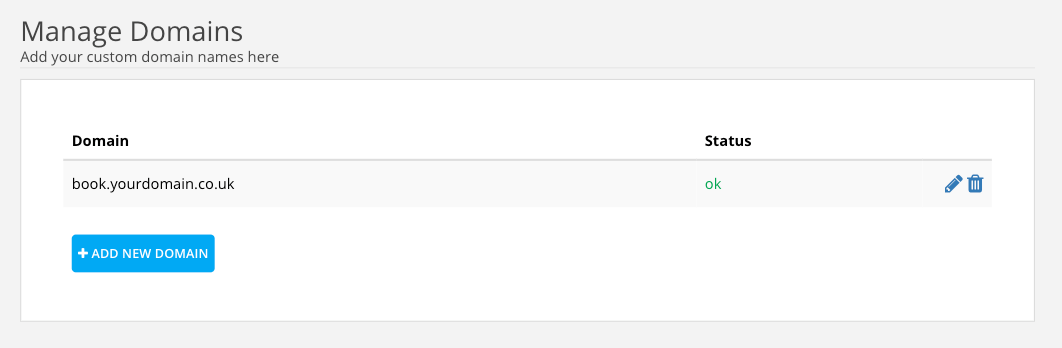
Status should say OK if not please look at the CNAME record and double check if it was correct. If you had to adjust the CNAME record you will need to delete the domain by clicking on the trash bin and add the domain, book.yourdomain.co.uk again.
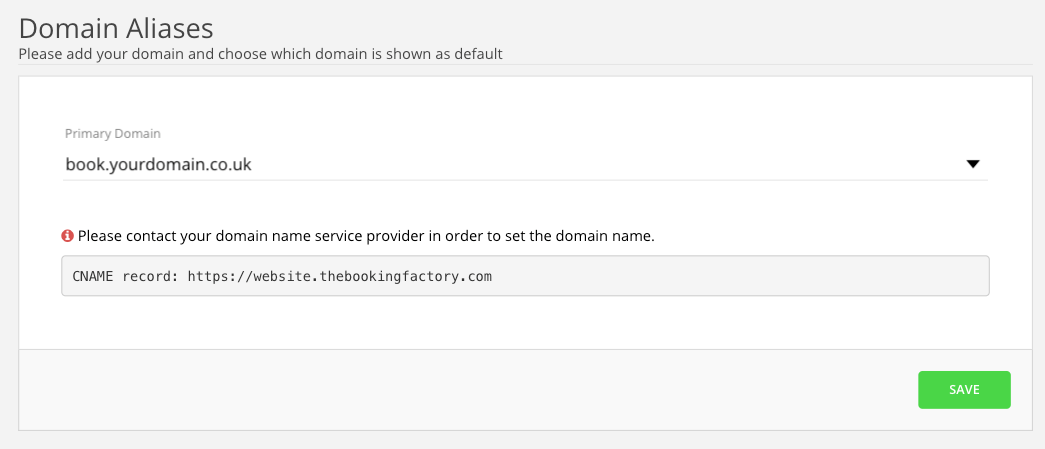
After getting the OK status for the domain you need to choose the domain as your primary domain.
The final step is to create a page redirect.
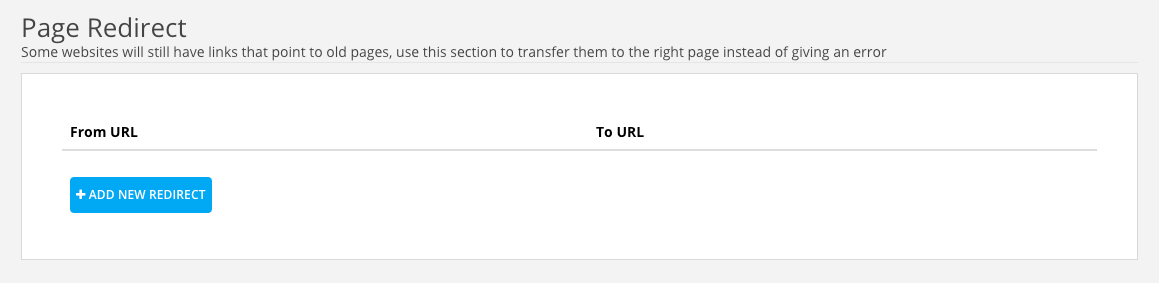
When you click on the Add new redirect you will see three fields that you need to fill in the correct data. See below:
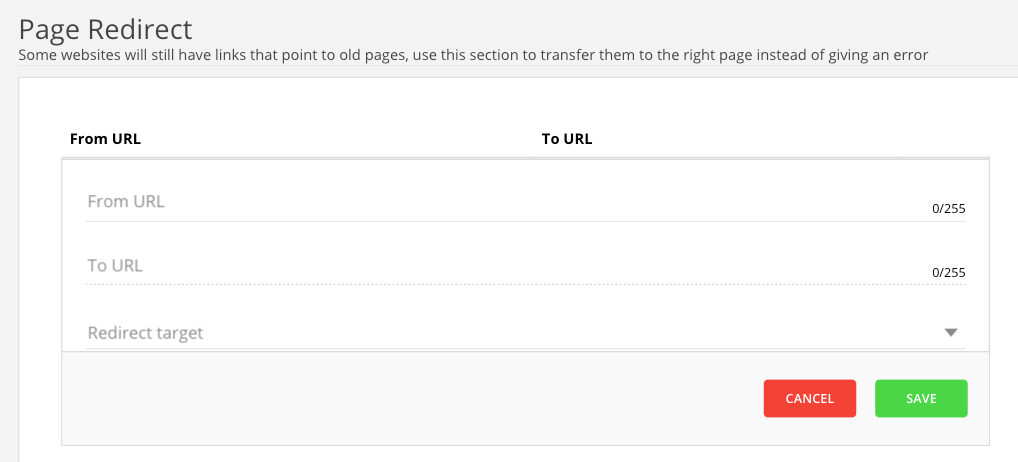
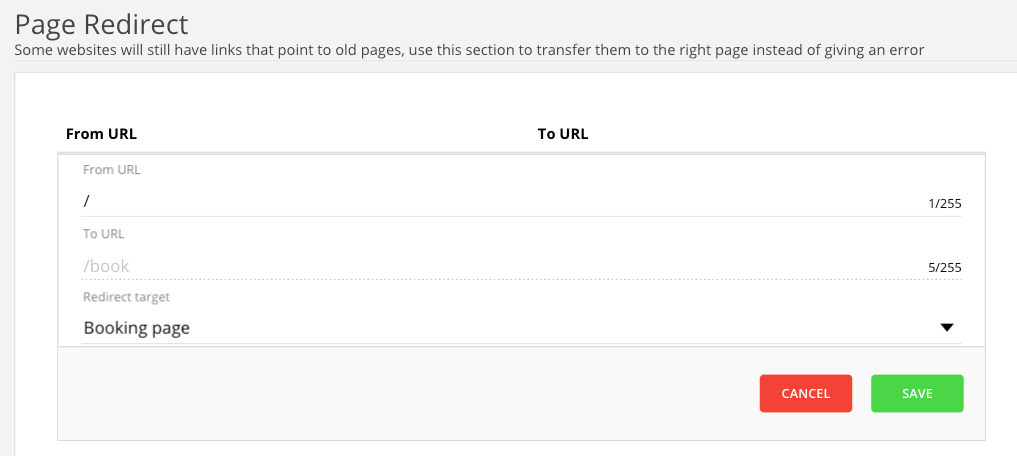
Click save and the page redirect should look like this.
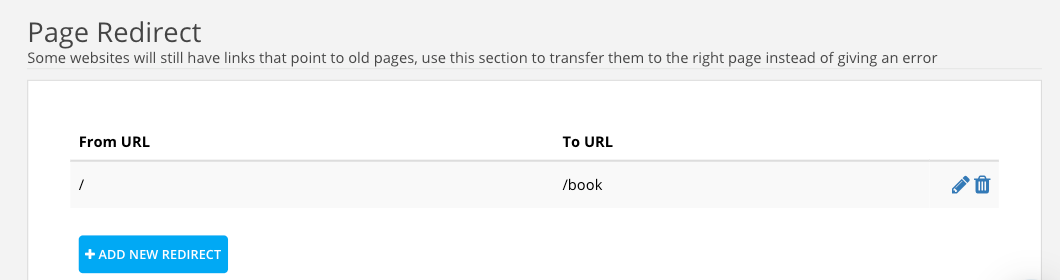
Let us know if this article helped!
Was this article helpful?
That’s Great!
Thank you for your feedback
Sorry! We couldn't be helpful
Thank you for your feedback
Feedback sent
We appreciate your effort and will try to fix the article